
Choosing the right POS software is a strategic decision for any retailer operating multiple stores and sales channels. Beyond processing transactions, a good checkout system connects physical store operations with e-commerce, centralizes information, and streamlines the work of sales teams. Traditional cash registers have evolved into more comprehensive solutions capable of integrating inventory management, customer data, promotions, and online orders. However, with so many options available, how do you know which one is right for your business? At Orisha Commerce, we explain what good POS software should deliver and what factors to evaluate when choosing a solution that meets your store network's current needs and supports its growth.
What is POS software and how does it differ from a basic cash register program
POS software is a checkout system that records sales, manages payments, applies promotions, and processes returns in-store. Unlike a basic cash register program, an advanced solution also integrates with inventory management, CRM, and online orders, connecting the operations of different sales channels.
For a multi-location retailer, having a POS system integrated with the rest of its applications is essential for centralizing information, streamlining processes, and delivering a consistent shopping experience across both physical stores and e-commerce.
What a good checkout system should offer your business
A good checkout system should simplify day-to-day operations and connect with the retailer's other tools. Beyond recording sales, it should help manage inventory, improve customer service, and enable commercial monitoring across the entire store network.
Integrated inventory management
POS software should provide an up-to-date view of stock levels, orders, delivery timelines, and pending items. A unified product catalog makes it easier to plan replenishment, identify stock needs, and check item availability across different locations.
Promotions, bundles, vouchers, and gift cards
The system should handle complex promotions, bundles, and vouchers with specific conditions, automatically applying the relevant discounts. It should also allow you to check the validity and balance of gift cards, log their usage, and facilitate tracking across locations.
Connected sales associate and customer profile
Integrated with CRM, the software allows in-store access to purchase history, preferences, average spend, loyalty points, and available vouchers. This enables sales associates to personalize their recommendations and deliver more effective service.
Self-checkout, returns, and multi-currency
Depending on the retailer's needs, the POS software should integrate with self-checkout terminals and handle returns, refunds, multiple payment methods, and multi-currency transactions. It should also support language configuration and electronic receipts, particularly for international chains.
Fast and mobile checkout
Mobility allows you to complete sales anywhere in the store and reduce checkout waiting times. To achieve this, the POS software should integrate with payment solutions that support mPOS and SoftPOS across the store network.
Real-time sales tracking
Monitoring sales, average ticket size, and performance by location enables you to adjust promotions and make informed commercial decisions. Combined with footfall counting systems, it also supports in-store conversion rate analysis.

POS software for unified commerce: multiple stores and e-commerce
For a retailer with multiple locations and an e-commerce channel, POS software should connect sales channels and corporate systems. The goal is to coordinate operations, prevent information silos, and deliver a consistent shopping experience.
The same data across all channels
An integrated POS system enables information sharing and the consistent application of commercial rules across every channel. This means discounts, loyalty benefits, and customer preferences can be maintained across physical stores, e-commerce, and self-checkout kiosks. To make this possible, it must integrate with CRM, inventory management, and order management.
Click & collect and ship from store
The software should facilitate services such as click & collect and ship from store. Through integration with inventory and order management, sales associates can check product availability and manage online purchases from store locations, leveraging the physical network to meet digital demand.
Peak performance and offline capability
The system should deliver stable response times during high-demand campaigns and include business continuity mechanisms in case of network failures. To verify reliability, evaluate response times, incident frequency, and omnichannel transaction performance through real in-store testing.
How to choose POS software: a checklist
Choosing POS software requires an analysis of the retailer's needs, its technology infrastructure, and the vendor's ability to support business growth.
Your business needs
Before comparing solutions, review these areas:
• Operations: number of stores, transaction volumes, and product types.
• Channels: physical sales, e-commerce, omnichannel returns, and payments.
• Integration: compatibility with ERP, CRM, inventory management, and existing systems.
• Usability: intuitive interface, ease of learning, and training requirements.
Vendor, support, and regulatory compliance
Choose a vendor with retail experience, responsive technical support, and the ability to adapt the solution to future needs. Also verify compatibility with printers, scanners, and other peripherals.
The software must comply with GDPR and applicable tax requirements. In France, billing requirements should be validated with Orisha as part of the project scope.
Payment security
Verify that the solution integrates with payment providers that meet applicable PCI DSS requirements and review the data protection and fraud prevention mechanisms in place. The system should support controls such as authorization thresholds for certain transaction amounts and transaction verification checks.
7 steps to decide
• Define the required features, users, and availability.
• Establish technical, financial, and operational criteria.
• Shortlist vendors with retail specialization.
• Request demonstrations using real-world operations.
• Evaluate support, technology roadmap, and scalability.
• Check references from the vendor's existing clients.
• Calculate the total cost of ownership (TCO), including licenses, deployment, integrations, maintenance, and future upgrades.
POS software by sector: sports, fashion, and home improvement
Each retail sector requires specific features to manage its operations.
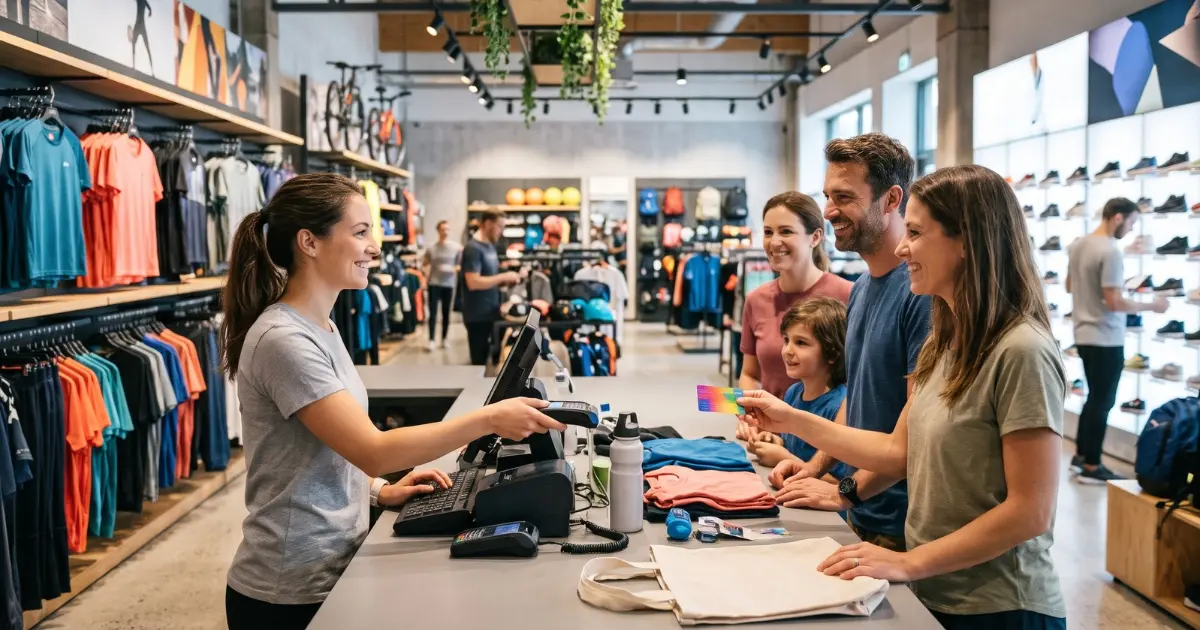
Sports: beyond sales, POS software should support workshops, repairs, equipment rental, consignment, and second-hand items. Learn more about sports store management.
Fashion: requires managing sizes, colors, collections, promotions, and cross-store returns, as well as second-hand in retail when it forms part of the business.
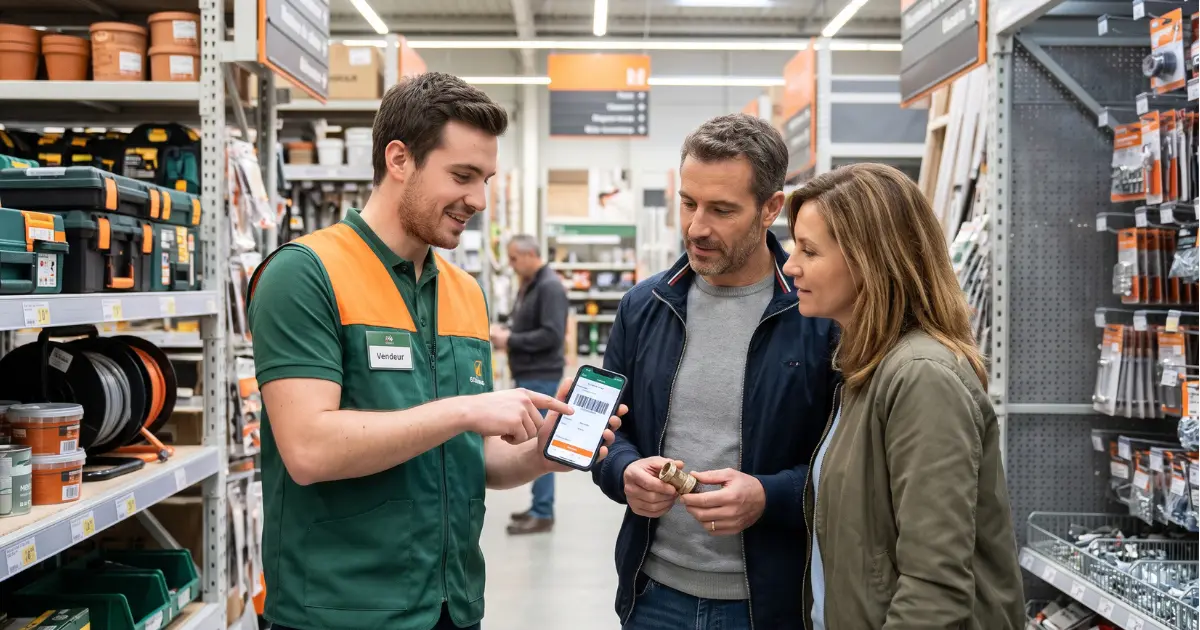
Home and DIY: involves coordinating extensive catalogs, availability, scheduled deliveries, and associated services such as used product buyback.
Real-world cases: Decathlon and BUT
The choice of a checkout system directly impacts a retailer's operational efficiency and growth capacity.
Decathlon uses Orisha Commerce technology to modernize its point of sale operations. Integration with its corporate systems and technologies such as RFID and mobile payments has helped streamline checkout processes and reduce staff training requirements.
BUT, a home furnishing retailer, has strengthened its omnichannel strategy across more than 300 locations, connecting the point of sale with its corporate systems and online order fulfillment.
At Orisha Commerce, we help retailers connect their physical stores and digital channels through unified commerce solutions. Our Openbravo platform integrates point of sale operations, inventory management, and order management. Discover how we can help you modernize your store network and get in touch with our team.
Choosing the right POS software is a defining investment that will shape the future of your retail business. With a clear strategy and a trusted technology partner, you can transform your operations and deliver the experience your customers expect.
Published in April 2023, updated in November 2026.